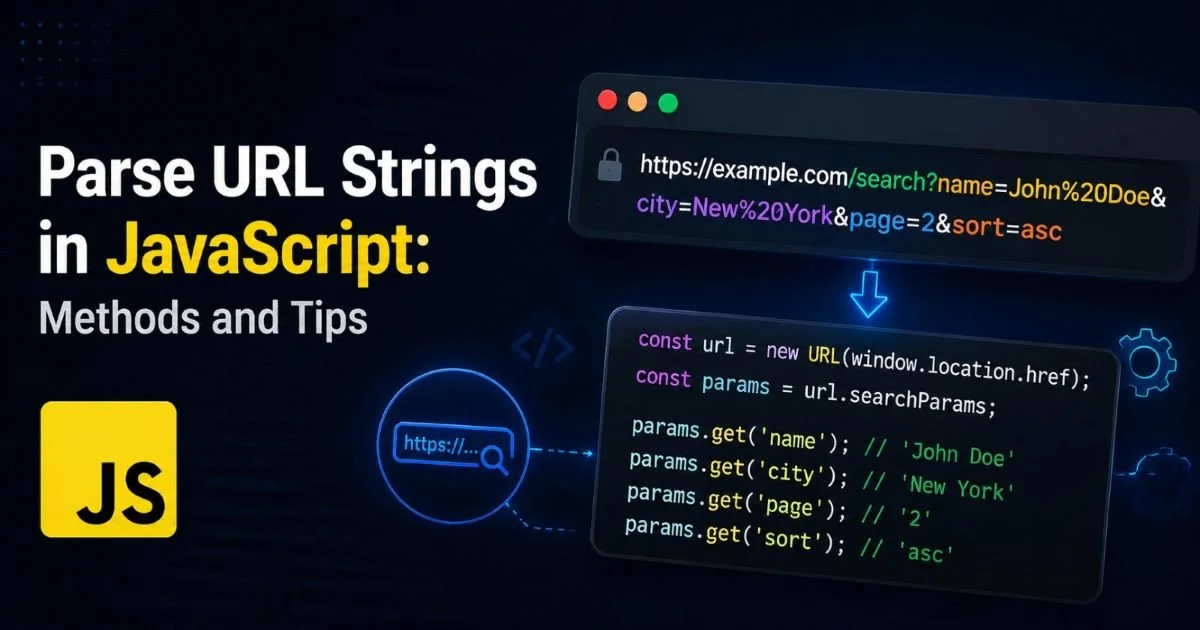
Parse URL strings in JavaScript is one of the most common tasks web developers and data analysts encounter daily. Whether you're extracting query parameters from marketing links, routing traffic in a single-page application, or scraping structured data from the web, understanding how to break a URL into its components is fundamental. JavaScript offers multiple built-in tools and patterns for this work, from the modern URL constructor to the classic approach of using anchor elements or regular expressions.
The method you choose depends on your runtime environment, performance needs, and the complexity of the URLs you're handling. This guide walks you through four practical steps, complete with real code examples and tips you can apply immediately.
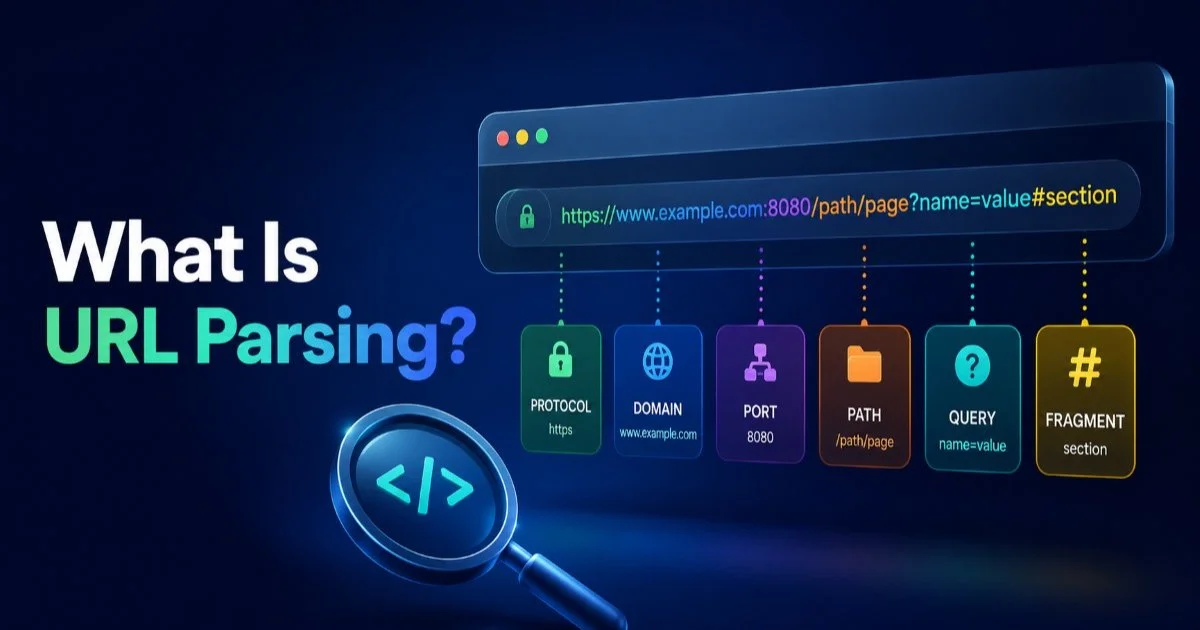
If you want a broader foundation first, our guide on what URL parsing is, with definitions and examples, is a great starting point. Let's get into the specifics of JavaScript-based URL parsing.
Key Takeaways
- The
URLconstructor is the most reliable built-in way to parse URLs in modern JavaScript. URLSearchParamsmakes extracting and manipulating query parameters straightforward and safe.- Legacy environments may require anchor element tricks or lightweight polyfills for parsing.
- Always validate and encode URLs before parsing to prevent security vulnerabilities.
- Node.js offers additional modules like
urlandquerystringfor server-side parsing.
Step 1: Use the URL Constructor for Modern Parsing
The URL constructor, available in all modern browsers and Node.js 10+, is the simplest and most robust way to parse URL strings in JavaScript. You pass a full URL string to new URL(), and it returns an object with clearly named properties for every component. Unlike string splitting or regular expressions, the URL constructor handles encoding, edge cases, and internationalized domain names correctly out of the box. It throws a TypeError if the input is not a valid URL, which gives you built-in validation for free.
Always wrap `new URL()` in a try-catch block to gracefully handle malformed URLs instead of crashing your application.
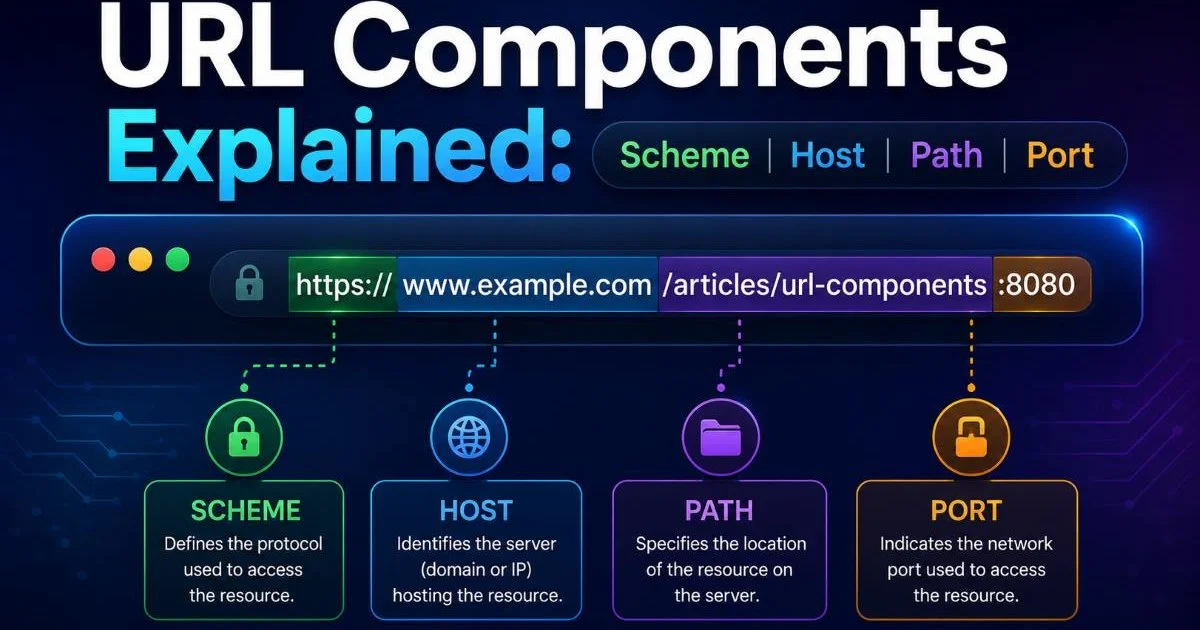
Here's a practical example. Given the string https://example.com:8080/products/shoes?color=red&size=10#reviews, calling new URL() on it gives you access to protocol, hostname, port, pathname, search, hash, and more. Each property is a simple string, ready for comparison or further processing. For a deeper look at what each of these parts means, see the breakdown in URL Components Explained: Scheme Host Path Port. The constructor also accepts a second argument for relative URLs, resolving them against a base.
Accessing URL Properties
The returned URL object exposes over a dozen properties. The most commonly used ones are origin (combines protocol, host, and port), pathname (the path after the host), search (the full query string including the ?), and hash (the fragment including the #). You also get username and password for URLs that include credentials, though those are rare in production contexts. The href property returns the full, normalized URL string.
| Property | Example Output | Description |
|---|---|---|
protocol | https: | Scheme with trailing colon |
hostname | example.com | Domain without port |
port | 8080 | Port number as string |
pathname | /products/shoes | Path starting with slash |
search | ?color=red&size=10 | Query string with leading ? |
hash | #reviews | Fragment with leading # |
origin | https://example.com:8080 | Protocol + host + port |
Step 2: Extract Query Parameters with URLSearchParams
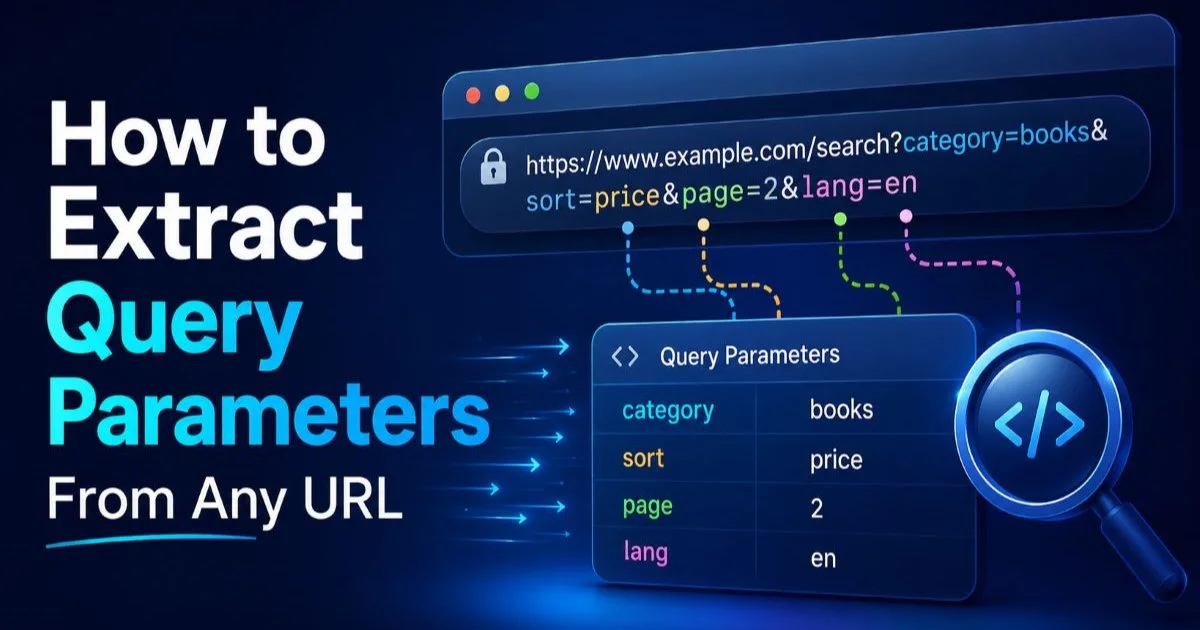
Once you have a parsed URL, extracting query parameters is the next logical step. The URLSearchParams interface, accessible via url.searchParams on any URL object, gives you a clean API for reading, iterating, and modifying query strings. This is far safer than manually splitting on & and =, which breaks when values contain encoded characters or duplicate keys. For a thorough walkthrough, the article on how to extract query parameters from any URL covers this topic across multiple languages.
The .get(key) method returns the first value for a given parameter name, while .getAll(key) returns an array when duplicates exist. For instance, a URL like ?tag=js&tag=node&page=2 would return ["js", "node"] from getAll("tag"). You can also check for parameter existence with .has(key) before attempting to read. These methods handle percent-decoding automatically, so %20 becomes a space and %26 becomes an ampersand without any manual work.
Iterating and Modifying Parameters
URLSearchParams also supports modification, which is useful when you need to clean or rewrite URLs. The .set(key, value) method adds or replaces a parameter, while .delete(key) removes it entirely. After modification, calling .toString() returns a properly encoded query string. This pattern is common in analytics workflows where you strip UTM parameters before storing canonical URLs, or when building API requests programmatically from user inputs.
Iteration works with standard JavaScript patterns. You can use for...of on the URLSearchParams object directly, or call .entries(), .keys(), or .values() for more control. Converting parameters to a plain object is a one-liner with Object.fromEntries(url.searchParams), though this drops duplicate keys. If you need to preserve duplicates, iterate manually and build a map with array values. Following JavaScript best practices when structuring this logic keeps your codebase maintainable as URL handling complexity grows.
Use `Object.fromEntries(url.searchParams)` for quick conversion, but iterate manually if your URLs may have repeated parameter names.
Step 3: Handle Legacy Environments and Edge Cases
Not every project runs in a modern browser or recent Node.js version. If you need to parse URL strings in JavaScript for environments like Internet Explorer 11 or older embedded webviews, the URL constructor is unavailable. The classic workaround is to create an anchor element, assign the URL to its href property, and then read the same properties (hostname, pathname, search) from the DOM element. This trick works because the browser's HTML parser handles URL resolution internally.
The anchor element approach looks like this: var a = document.createElement("a"); a.href = After assignment, <code>a.hostname, a.pathname, and a.search are all available. One caveat: IE sometimes omits the leading slash on pathname, so you should normalize it with a simple check. This technique only works in browser environments, not in Node.js or Web Workers, which limits its usefulness in full-stack applications.
The anchor element parsing trick does not work in Web Workers, Service Workers, or any non-DOM environment.
Regex-Based Parsing
Regular expressions offer another fallback, and they work everywhere JavaScript runs. RFC 3986 provides a well-known regex pattern that splits a URI into its five major components: scheme, authority, path, query, and fragment. The pattern ^(([^:/?#]+):)?(//([^/?#]*))?([^?#]*)(\?([^#]*))?(#(.*))? is documented in the RFC itself and handles most well-formed URLs correctly. However, regex parsing does not perform any validation or normalization, so you're responsible for handling encoding and edge cases yourself.
For production use, a polyfill like url-polyfill or the whatwg-url package is usually a better choice than rolling your own regex parser. These packages implement the full WHATWG URL Standard, giving you the same API as the native URL constructor with broad compatibility. When crawlers or site audits flag broken links, malformed URLs are often the root cause. Addressing parsing issues alongside your strategy to fix crawl errors found in a site audit can solve multiple problems at once.
Step 4: Parse URL Strings in JavaScript on the Server with Node.js
Server-side JavaScript introduces additional tools for URL parsing. Node.js has shipped a url module since its earliest versions, and the legacy url.parse() function was the standard approach for years. It returns an object with properties similar to the browser's URL constructor, including protocol, host, pathname, query, and hash. However, url.parse() is now considered legacy, and the Node.js documentation recommends using the WHATWG URL constructor (available globally since Node.js 10) instead.
"The legacy url.parse() function does not validate input and can produce unexpected results with malformed URLs."
The querystring module is another Node.js-specific tool that parses query strings into plain objects. It handles percent-decoding and supports customizable delimiters. For most use cases, though, URLSearchParams has replaced it. If your server processes thousands of URLs per second (common in log analysis or web scraping pipelines), benchmarking both approaches is worthwhile. The native URL constructor is written in C++ under the hood in Node.js, making it faster than pure JavaScript alternatives for high-throughput scenarios.
Choosing the Right Node Module
For new projects, the answer is straightforward: use the global URL and URLSearchParams classes. They follow the same WHATWG standard as browsers, making your parsing code portable between client and server. If you're maintaining an older codebase that still uses url.parse(), migration is usually simple since the property names are nearly identical. The main difference is that the WHATWG constructor requires an absolute URL or a base URL argument, while url.parse() happily accepts relative paths. Developers working with Python alongside JavaScript will find similar patterns in Python URL parsing libraries, where urllib.parse mirrors many of these concepts.
When building data pipelines that parse URL strings in JavaScript, consider creating a thin utility wrapper around the URL constructor. This wrapper can handle try-catch logic, normalize trailing slashes, lowercase the hostname, and strip tracking parameters in one place. Centralizing this logic prevents inconsistencies across your application and makes it easy to update parsing behavior when requirements change. A well-structured utility function, tested against edge cases like URLs with authentication credentials, empty query strings, and fragment-only references, will save you hours of debugging later.
The WHATWG URL constructor requires absolute URLs. For relative paths, always provide a base URL as the second argument.
Frequently Asked Questions
?How do I extract a single query parameter using URLSearchParams?
?When should I use the anchor element trick instead of new URL()?
?Does parsing URLs with new URL() have any meaningful performance cost?
?Can new URL() silently return wrong results for malformed URLs?
Final Thoughts
JavaScript provides solid built-in tools to parse URL strings, and the URL constructor paired with URLSearchParams covers the vast majority of use cases. For legacy environments, the anchor element trick and regex patterns remain viable fallbacks.
On the server side, Node.js gives you the same WHATWG APIs plus legacy modules when you need them. Pick the approach that fits your runtime, validate your inputs, and centralize your parsing logic into reusable utilities that your whole team can rely on.
Disclaimer: Portions of this content may have been generated using AI tools to enhance clarity and brevity. While reviewed by a human, independent verification is encouraged.